
What it's likely to be
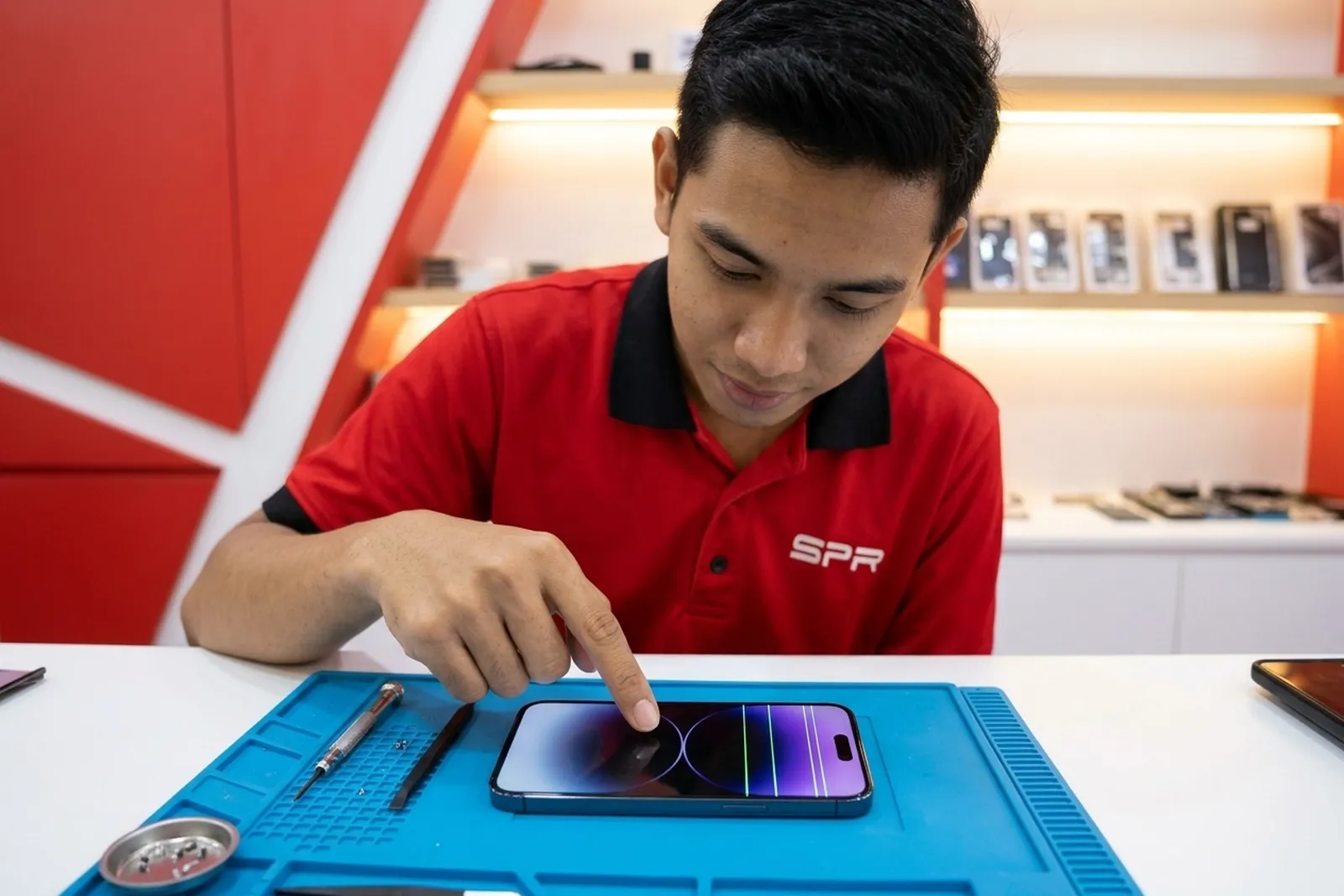
Damaged display panel
Most likelyOne column of pixels has lost its connection inside the panel. On OLED iPhones this can happen after pressure or a drop, and on some older units it shows up with no drop at all.
Loose or bent display connector
PossibleIf the line flickers or moves when you press near the bottom of the screen, the connection between screen and board may be the issue rather than the panel.
Software glitch
Less commonRare, but a bad update can draw a stray line. That kind of line shows up in screenshots; a hardware line does not.
Try this first
- Take a screenshot and look at it on another phone or computer. If the line is in the screenshot, it's software — update iOS and restart. If the screenshot is clean, the line is in the hardware.
- Force restart: on iPhone 8 and newer (including SE 2nd and 3rd gen), press and let go of volume up, press and let go of volume down, then hold the side button until the Apple logo appears. On iPhone 7, hold volume down and the side button together.
- Back up the phone now. Lines often multiply, and a screen that fails completely makes backing up harder.
Bring it in if
- The line is not in screenshots.
- More lines appeared, or the line got thicker.
- Touch has stopped working along the line.
What SPR usually does
Screen line repair (screen kept)
A thin line or two on an intact panel can sometimes be repaired with your screen kept. It isn't possible with five or more lines, with a thick or wide band (the panel is cracked inside), or with a black line. Repaired lines can also come back as the panel ages — we explain this before starting.
Screen replacement — Original Grade
When the panel itself is damaged, the screen is replaced. You choose the grade; OLED-type options keep the deep blacks of an OLED model.
Screen replacement — Premium TFT
The lowest-cost way to get a clear picture back if you just need the phone working.
Keeping the screen is the exception: in the last 90 days we did 5 iPhone line repairs with the screen kept, next to 782 iPhone screen replacements for every kind of fault.
Price depends on the model and option. WhatsApp us your model for a free quote, or see how we check it first.
Questions people ask
+Will the green line go away by itself?
A hardware line almost never disappears for good. It might fade for a while, but it usually comes back or spreads.
+If you repair the line instead of replacing the screen, is it permanent?
Not always. A repaired line can reappear as the panel ages, which is why that repair's 30-day warranty covers the same fault and why a new screen is the more lasting fix.
+Can an iOS update fix a green line?
Only if the line is drawn by software, which the screenshot test will show. If the screenshot is clean, an update won't help.
Still not sure what it is?
Send a photo or a short video and your model. A technician will tell you what it looks like and what the options are — free, no obligation.
WhatsApp a photo